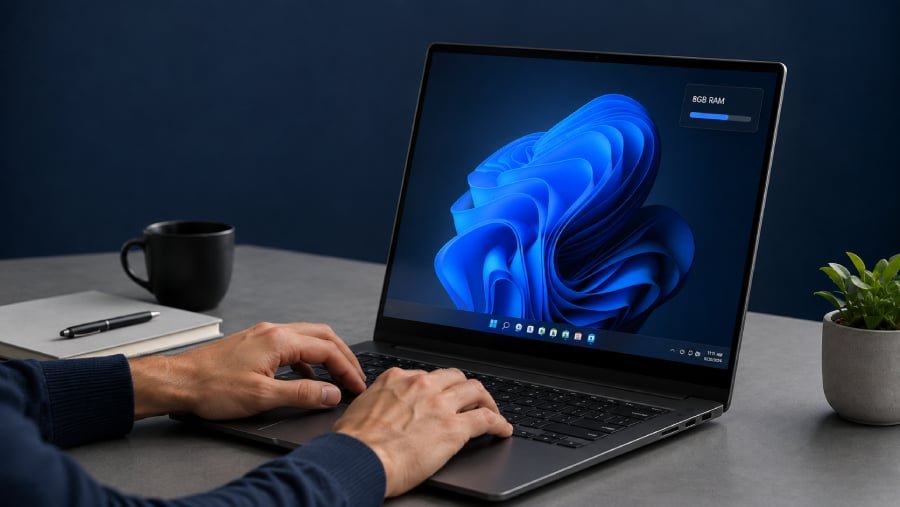
Eight gigabytes of RAM is making a comeback, and Windows 11 may finally be ready to slim down for it.
Microsoft is working to reduce Windows 11’s memory footprint to make PCs with 8GB of RAM or more feel faster and more responsive. The work is expected to continue through the end of 2026, potentially helping budget laptops, older systems, and business fleets handle everyday tasks without immediately running into memory limits.
Rising memory costs are pushing manufacturers and buyers toward lower-capacity configurations. Microsoft has also sold Surface devices with 8GB of RAM, even as many PC builders have treated 16GB as the practical baseline for a smoother Windows 11 experience.
Microsoft is putting Windows 11 on a memory diet
Windows Latest reported that Pavan Davuluri, Microsoft’s president of Windows and Devices, outlined four Windows 11 priorities through the end of 2026 in a post on X.
“Memory optimization for 8GB and above. Reducing Windows memory footprint to deliver a fast and responsive Windows experience across the PCs customers use every day,” Davuluri wrote, according to Windows Latest.
Microsoft has not explained exactly how it plans to reduce Windows 11’s memory use. Windows Latest linked the effort to the company’s broader work on Windows components, including a shift toward WinUI for some interfaces, but the publication noted that no detailed technical plan has been released.
Tom’s Hardware said that the optimization is part of a wider Windows 11 improvement push. Other planned changes include a faster setup experience, simpler parental controls, improved voice interactions, a more reliable File Explorer, and additional customization for Search, Start, and the Taskbar.
Several of those changes remain in preview, so general users may need to wait weeks or months before seeing them.
Windows Central framed the announcement as a welcome but overdue move. The publication noted that Microsoft had already sold Surface models with 8GB of RAM before completing the operating system optimizations those devices could benefit from.
More Microsoft news
An 8GB Windows 11 PC still has limits
Windows 11 can already run on 8GB of RAM, but the experience depends heavily on workload.
Email, web browsing, streaming, and basic office applications may remain manageable, while heavy multitasking, dozens of browser tabs, gaming, creative software, and local AI tools can require considerably more memory.
Windows Central noted that users can still complete everyday tasks on an 8GB Windows 11 PC. However, the publication questioned why Microsoft sold 8GB Surface models before optimizing the operating system for lower-memory devices.
Microsoft’s announcement suggests Windows 11 still needs improvement on those systems.
For IT buyers, Microsoft’s announcement is a reason to monitor performance rather than immediately lowering purchasing standards. An 8GB device may suit tightly controlled, lightweight workloads, but 16GB still provides more room for multitasking, future software demands, and longer replacement cycles.
Rollout could begin soon, but details remain limited
Windows Latest expects the optimizations to appear first in Windows Insider builds before reaching general users gradually. Microsoft has not provided a firm release date or specific performance targets.
Independent testing will ultimately show how much memory Windows 11 saves and which devices benefit most. A leaner operating system could extend the useful life of existing PCs, but it will not turn every 8GB laptop into a machine built for demanding workloads.
Read the Windows 11 Security Cheat Sheet to learn how BitLocker, passkeys, Microsoft Defender, and other built-in features help protect your data, accounts, apps, and devices.